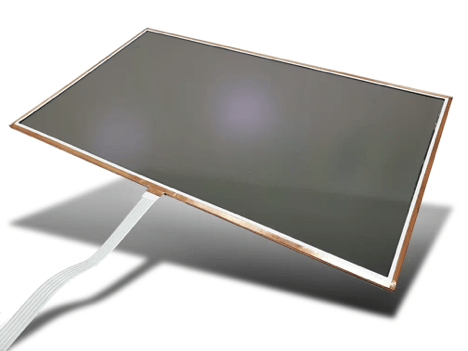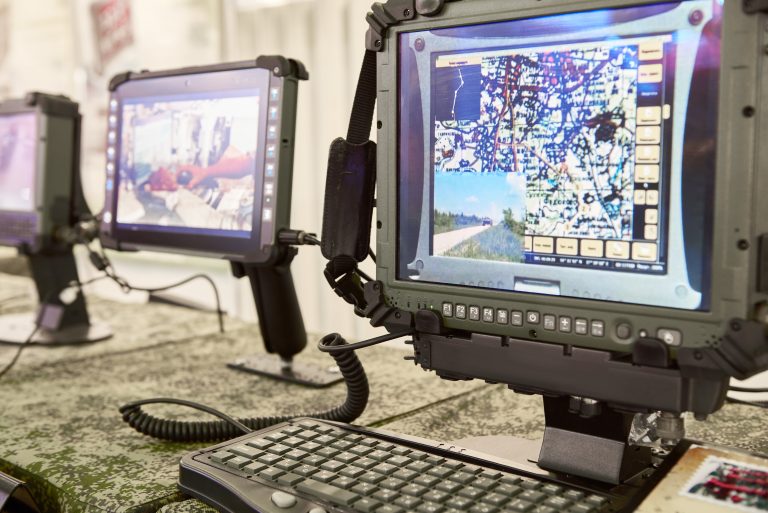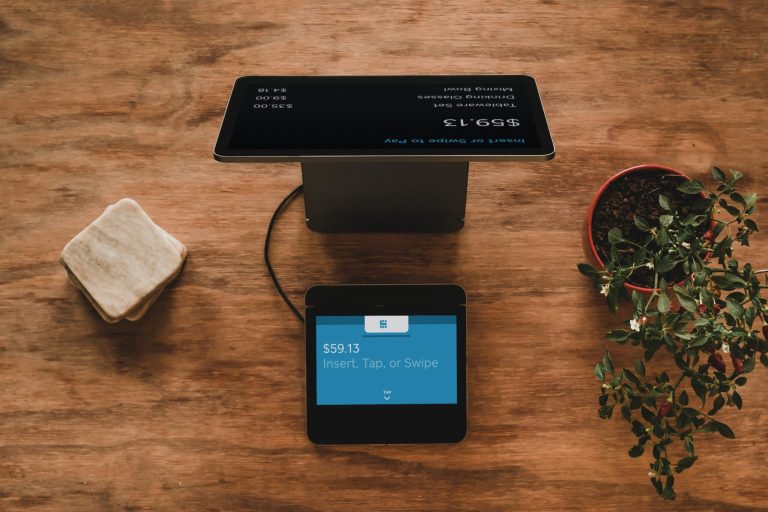

A rugged display is a screen engineered to keep working through shock, vibration, temperature extremes, dust and water that would disable a commercial monitor. Rugged displays, also called ruggedized displays, combine reinforced cover glass, sealed housings, optical bonding, wide-temperature components and EMI shielding, and are often tested against standards such as MIL-STD-810 and IP65 or IP67.
In high-stakes sectors like defense, marine navigation, and industrial fieldwork, screen failure is not an option. Devices deployed in these environments must endure shock, vibration, temperature extremes, and moisture—often simultaneously. Rugged displays play a vital role in ensuring that critical systems remain visible, responsive, and fully functional when it matters most.
Features That Define Rugged Touch Displays
A rugged industrial display is engineered to perform in extreme conditions without compromising clarity or control. Key design attributes include:
- Impact resistance: Reinforced glass and bezel construction protect against mechanical shock and rough handling.
- Sealing: Protective gaskets and housing materials block dust, dirt, and water from penetrating the device.
- Temperature tolerance: Operational ranges typically exceed commercial norms, functioning reliably in freezing cold or intense heat.
- Sunlight readability: High-brightness backlights, optical bonding and anti-reflective film keep a rugged LCD display legible in direct sun, while wide-range dimming supports night use.
- Optical bonding: Filling the air gap between the cover glass and the TFT LCD with clear adhesive improves contrast, blocks condensation and strengthens the display stack.
These features ensure that displays maintain performance in unpredictable and demanding settings where standard consumer screens would fail.
Rugged vs. Commercial Displays: Key Differences
A rugged display differs from a commercial display in how it is built and tested, not just in how it looks. The comparison below shows where ruggedized displays add protection:
- Enclosure: sealed, gasketed housing rated to an IP code vs. vented plastic housing
- Glass: thick, chemically strengthened or bonded cover glass vs. thin, air-gapped glass
- Environment: designed for shock, vibration and extended temperature ranges vs. climate-controlled indoor use
- Readability: high-brightness, sunlight-readable options vs. indoor brightness levels
- Touch: PCAP or resistive touch tuned for gloves and water vs. bare-finger consumer touch
- Lifecycle: long-term availability and controlled revisions vs. short consumer product cycles
Environmental Certifications and Compliance Standards
To meet the needs of military, marine, and field-based operations, rugged touchscreen systems must adhere to stringent industry standards:
- MIL-STD-810: Verifies durability under stressors such as vibration, altitude, and thermal shock.
- IP ratings: Define ingress protection against solids and liquids—essential for outdoor or onboard equipment. For example, IP65 means dust-tight and protected against water jets, while IP67 adds protection against temporary immersion.
- EMI shielding: Ensures safe operation near other electronic equipment without signal interference. DO-160: Defines environmental test conditions for airborne equipment and applies to rugged displays used in avionics.
Partnering with certified solution providers helps organizations meet regulatory and functional demands with confidence.
Touch Performance in Gloves, Rain, and Vibration
Touch interfaces must remain responsive under conditions that would impair traditional systems. A rugged touchscreen is optimized for:
- Gloved interaction: Maintains accurate input using capacitive or resistive sensing tuned for gloved hands.
- Wet surfaces: Algorithms and coatings are applied to reject water-based false inputs while ensuring tactile precision.
- Constant vibration: Whether mounted in vehicles or heavy machinery, touch sensitivity remains unaffected by motion.
These capabilities ensure uninterrupted operation, even in the harshest field scenarios. Learn how projected capacitive technology handles these conditions on our PCAP touchscreens page.
Where Mission-Critical Displays Are Used
Mission-critical displays show information that operators cannot afford to lose, so they appear wherever downtime puts people, equipment or schedules at risk:
- Marine navigation: ship bridges, helms and chartplotters exposed to salt spray and sun
- Industrial fieldwork: oil and gas, mining and construction equipment with heavy vibration and dust
- Public safety: in-cab tablets for police, fire and ambulance vehicles
- Avionics: cockpit and cabin displays that must meet airborne environmental requirements
- Defense: vehicle, shipboard and command-post displays with night-vision and EMI requirements
Long-Term Reliability and Lifecycle Considerations
Downtime and frequent replacements are costly. That’s why rugged systems are built for longevity. With enhanced component shielding, low-power consumption, and extended backlight life, a rugged industrial display minimizes maintenance requirements and maximizes lifecycle value.
E3 Displays LLC delivers ruggedized screen solutions tailored for mission-critical environments. From material selection to interface calibration, every aspect is engineered to meet long-term operational demands. Our Phoenix, AZ engineering team supports each program with custom display design, optical bonding, film lamination, EMI protection and zero pixel inspection.
Explore E3’s rugged displays to support performance in defense, marine, and industrial applications.
Building for defense specifically? Night-vision compatibility, glove-ready controls and program-specific testing are covered in our article on how custom military displays enhance operational effectiveness.
Designed for Survival, Built for Control
When conditions are extreme and failure is not an option, rugged display solutions are essential. They combine impact resistance, environmental protection, and touch precision to ensure continuous operation in real-world settings. Selecting the right rugged displays helps safeguard both equipment and mission success.